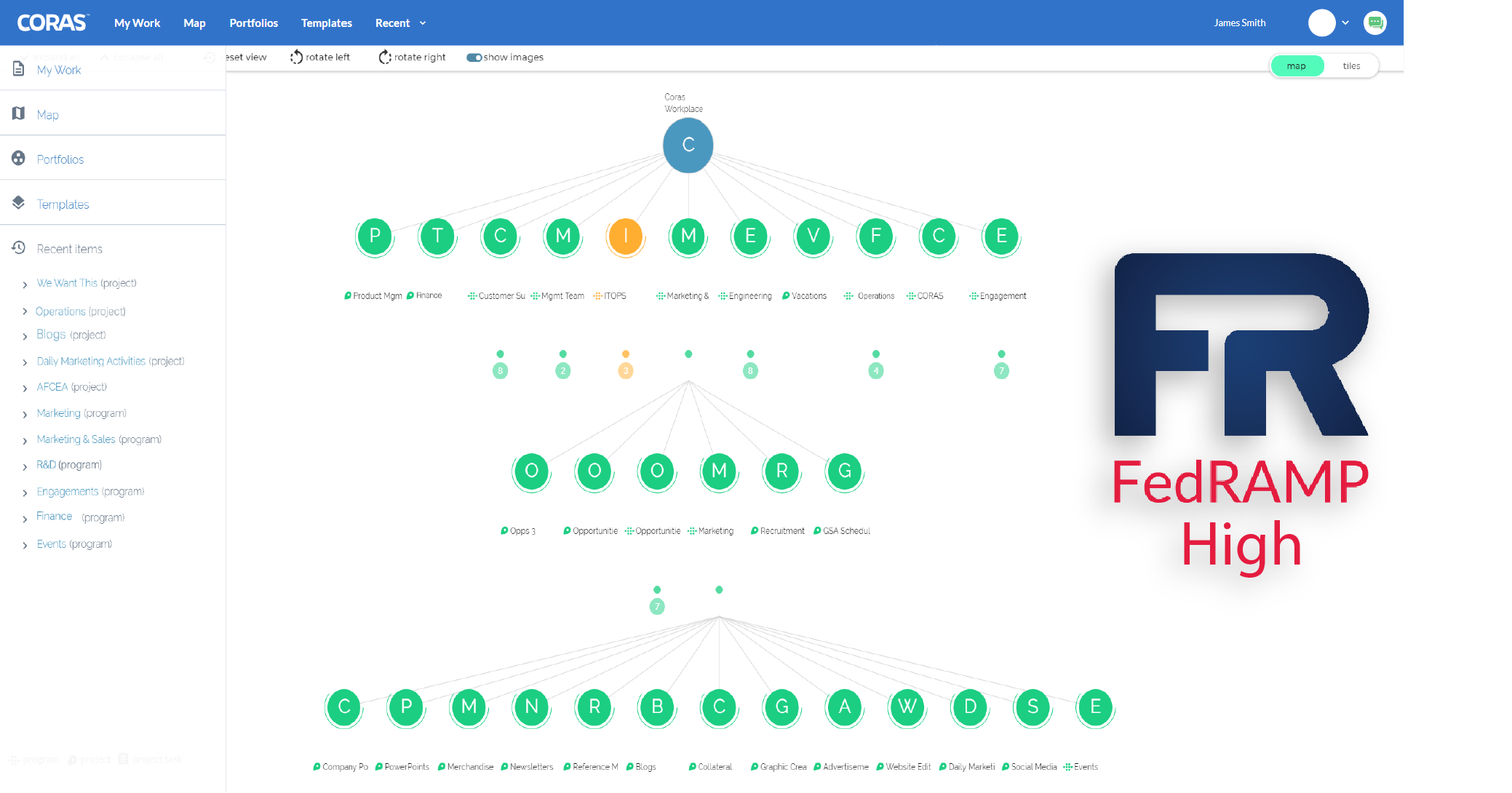
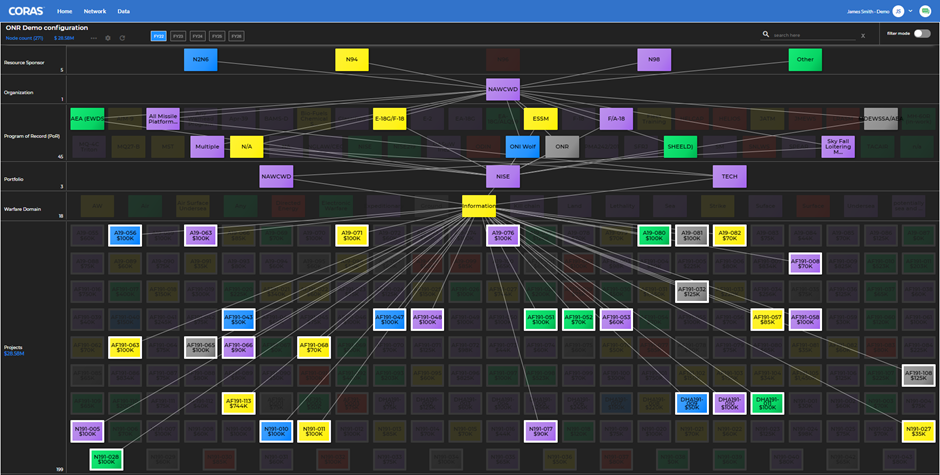
Basic Displays – Connect to and display SharePoint data in grids, calendars, flash charts, maps and gauges; easy to customize with point & click wizards.
Advanced Displays – Connect to and display data from SharePoint or any external data source or legacy app in grids, calendars, flash charts, maps, and gauges.
Custom Displays - Create your own custom displays with data from SharePoint or any external data source or legacy application.
Menu Navigation - Create dynamic navigational menus for your SharePoint sites; create navigational menus for a specific site, or you can create a global menu that can be used across all your SharePoint sites.
Tree View Navigation – Display links to all of the lists and site available to the user in the current site, or whatever site(s) you choose to include.
Up To Navigation – Provide quick access to other sites in the current site hierarchy with this drop-down navigation menu with links to all parent sites within the current site hierarchy.
Central Views - Create and maintain CorasWorks views that can be shared by multiple Data Displays or Navigation Displays.
Forms and Fields
Custom Forms – Interact with data from any source and leverage full read/write capability to SharePoint or external data sources.
Auto Complete – Allow users to type in a short group of characters and the field complete it.
Workplace ID - Build and configure unique ID field that can consist of one or many elements, such as an incrementing number or custom date stamp, as well as content from fields in the list.
Parent-Child – Use a cascading drop-down to present data based on previous selections.
Multi-Select – Select multiple items as part of a field value.
Business Process and Workflow
CorasWorks Action Framework – Define, configure, and execute pre-defined activities using our easy-to-use, point & click Action Framework.
Task Automation – Automate basic SharePoint list functions and business process steps.
Workflows – Configure your processes, solutions, and apps to automatically check status and send notifications.
Email Notifications – Send notifications when specific activities occur; send email to specific users, lists of users, or SharePoint groups.
Data Services
SharePoint Data – Connect to any standard or custom SharePoint lists or libraries and provide aggregated data back as XML.
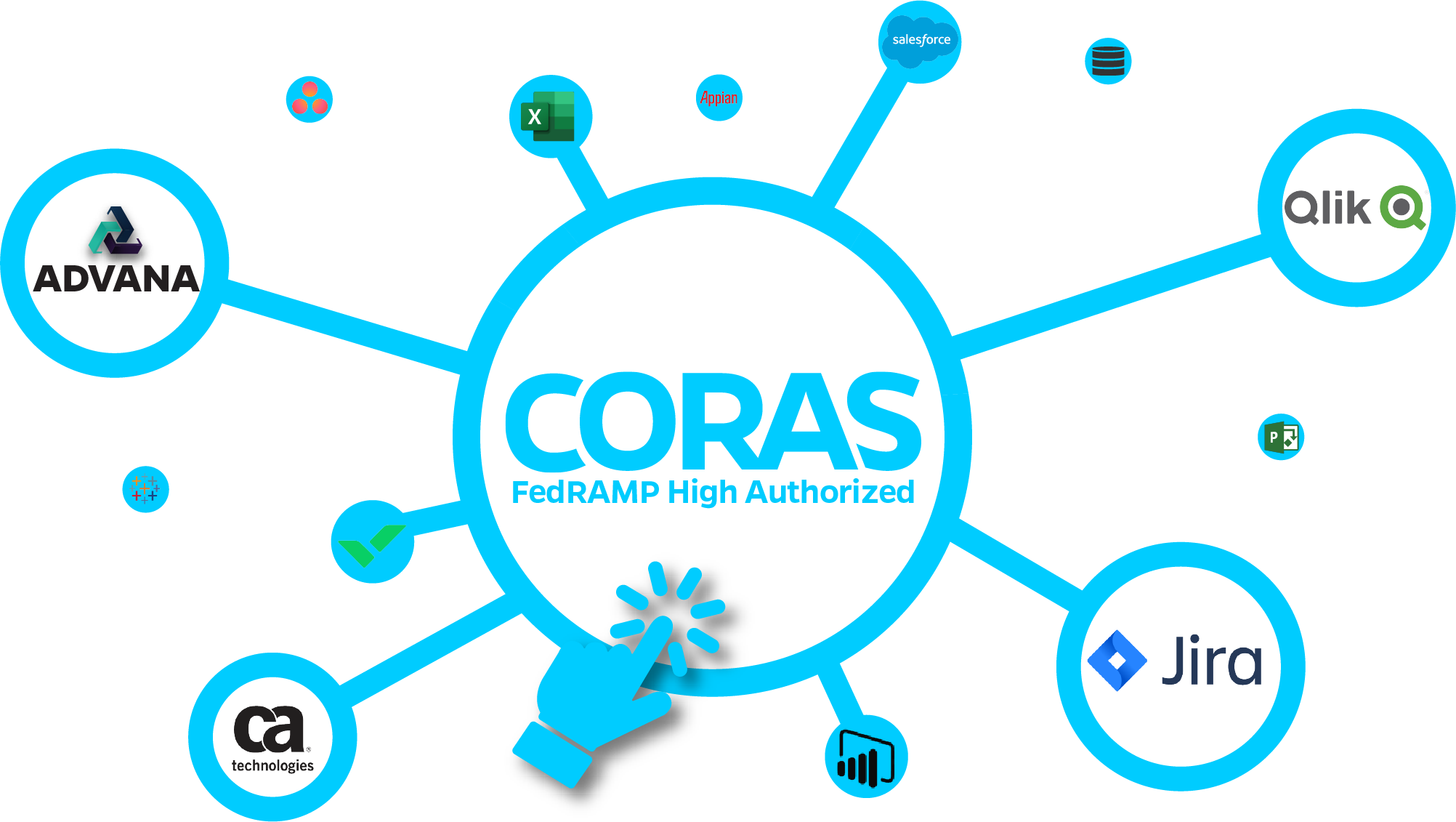
External Data – Connect to any external data source, such as SQL Server, MS Project Server, or any other back end system, and return the data as XML.
Mash Ups – Connect to multiple data feeds, mash up the data, and return it as XML.
Caching – Cache any content collected from any data source and store it in memory, web part storage, session, or a file.
Data Analysis – Transform XML data for use with other displays outside of CorasWorks.
Administration
One-touch Management System – Use our unique, centrally managed system to manage the full range of your sites, solutions, and applications.
Central Configuration – Manage specific aspects of your CorasWorks and SharePoint environment from a central location.
Lockdown – Control what admin features your users have access to. Allow them to see and work with data, but not access configurations, wizards, or other admin features.
Throttling – Limit the maximum number of lists, sites, and/or items that can be returned by your CorasWorks displays.
Global Links – Simplify the process of naming and maintaining references to URLs across your sites, solutions, and apps.